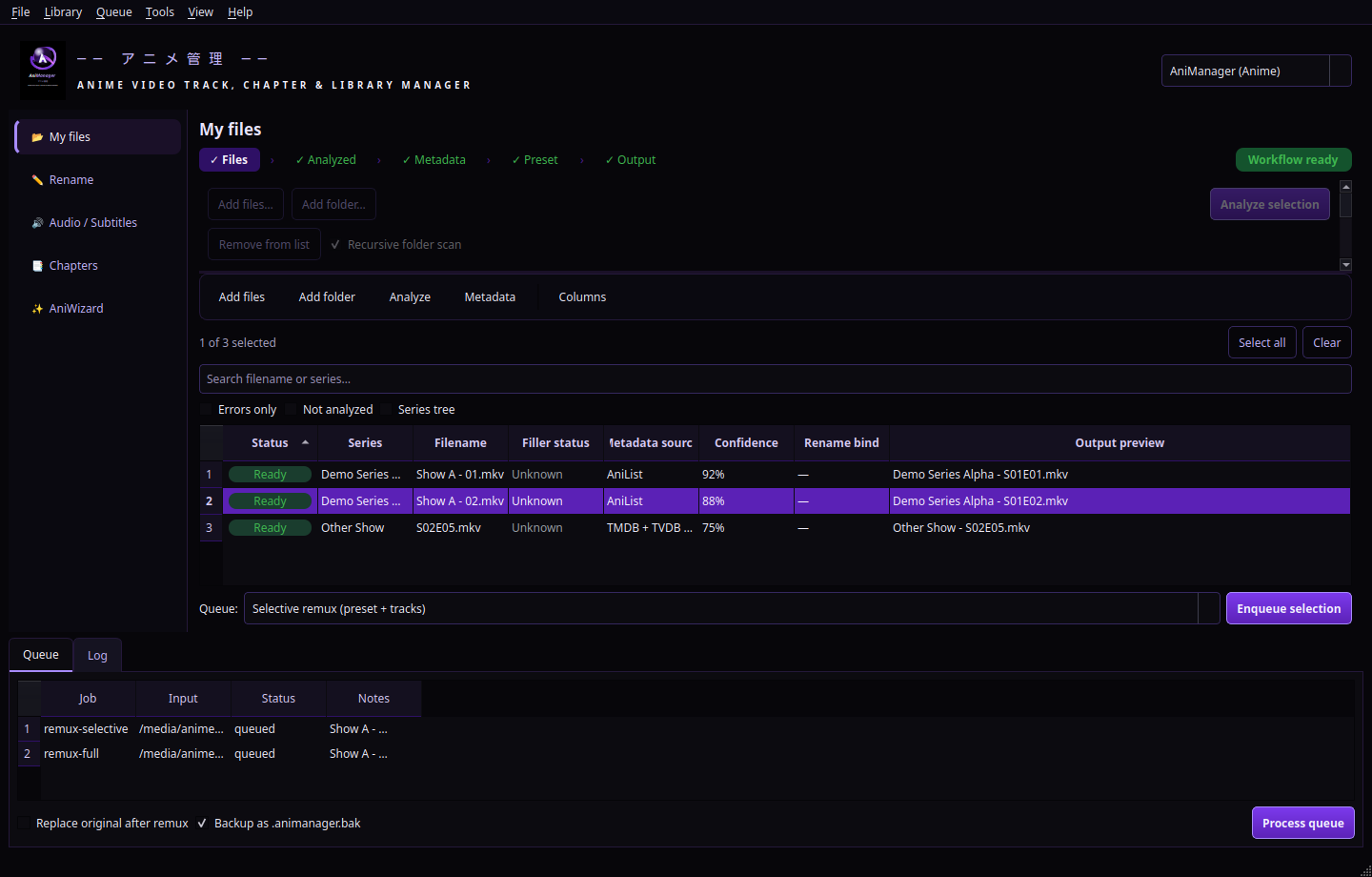
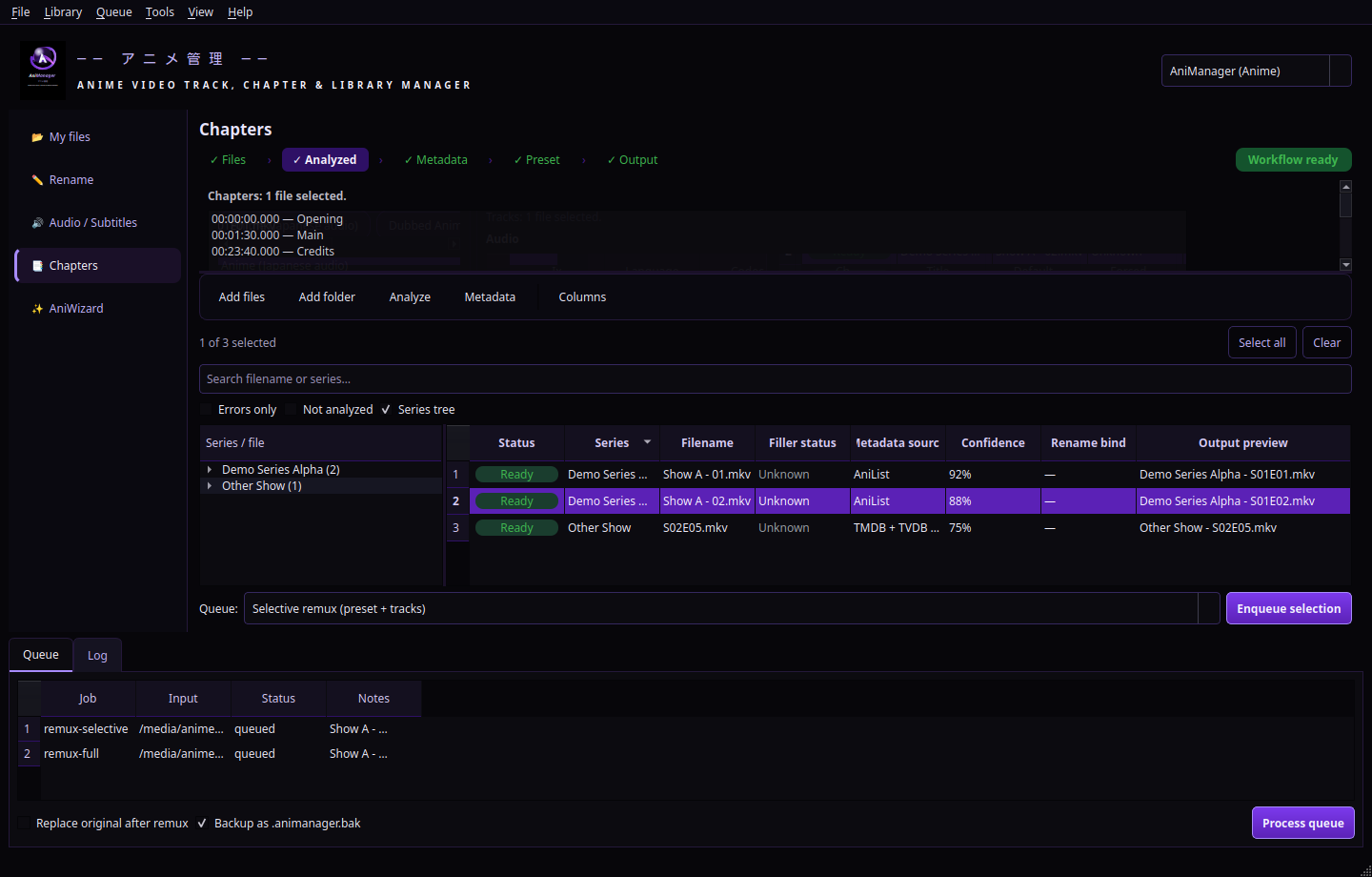
Lossless remuxing queue
Build FFmpeg -map plans from language presets and per-file keep
toggles — no re-encode, just the tracks you want, written cleanly to a new file.
AniManager turns messy folders into a disciplined pipeline: inspect every stream, strip what you do not need, remux losslessly, sync rich metadata, tame filler episodes, chapters, and filenames — then hand the results to Kodi, Jellyfin, or plain old Explorer without breaking paths.
Windows desktop suite · FFmpeg-powered analysis · SQLite-backed library cache · optional API keys for deeper matches
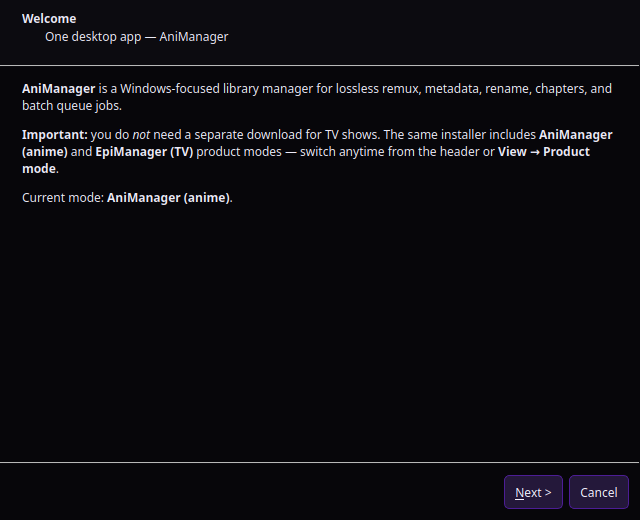
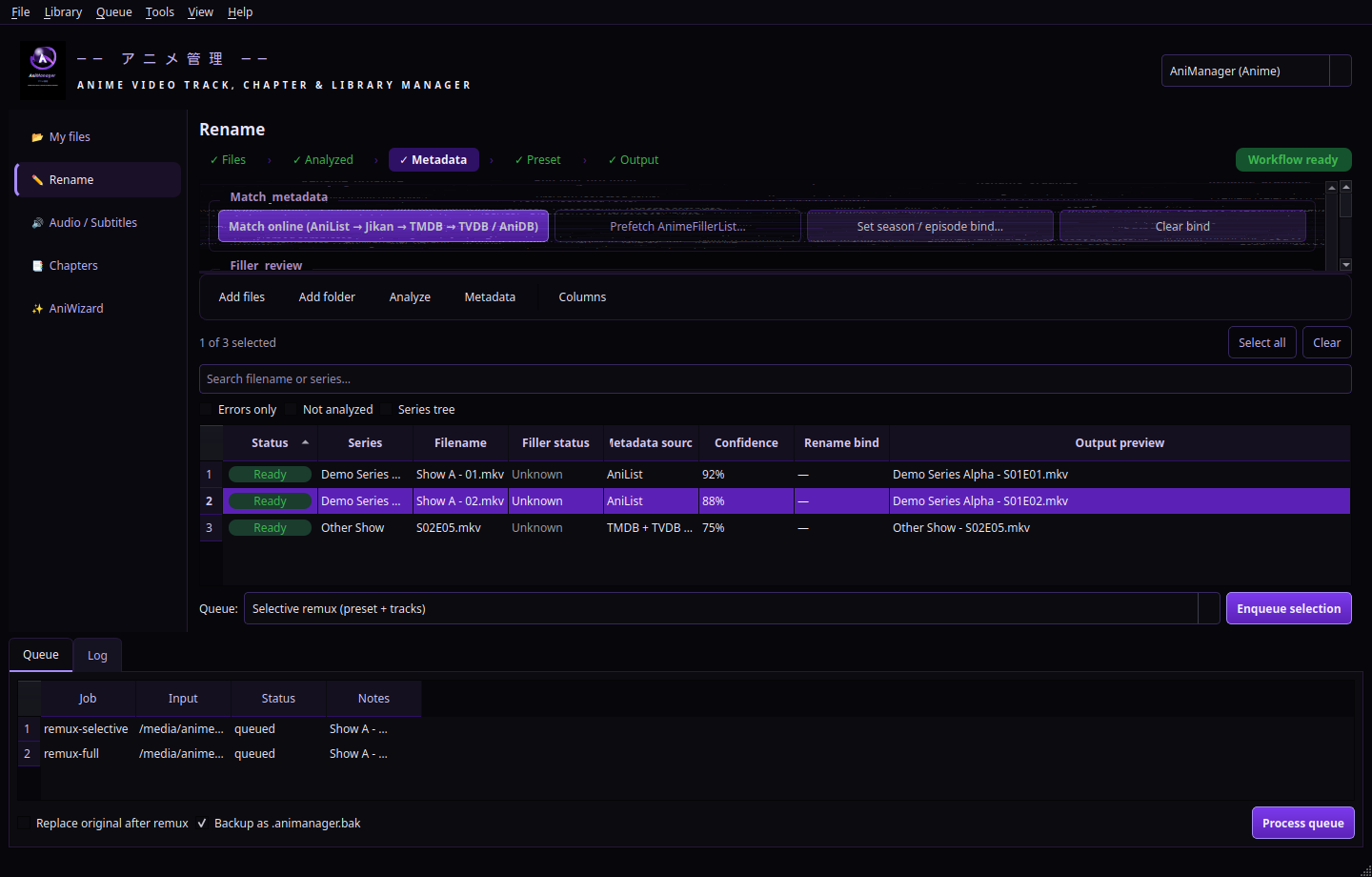
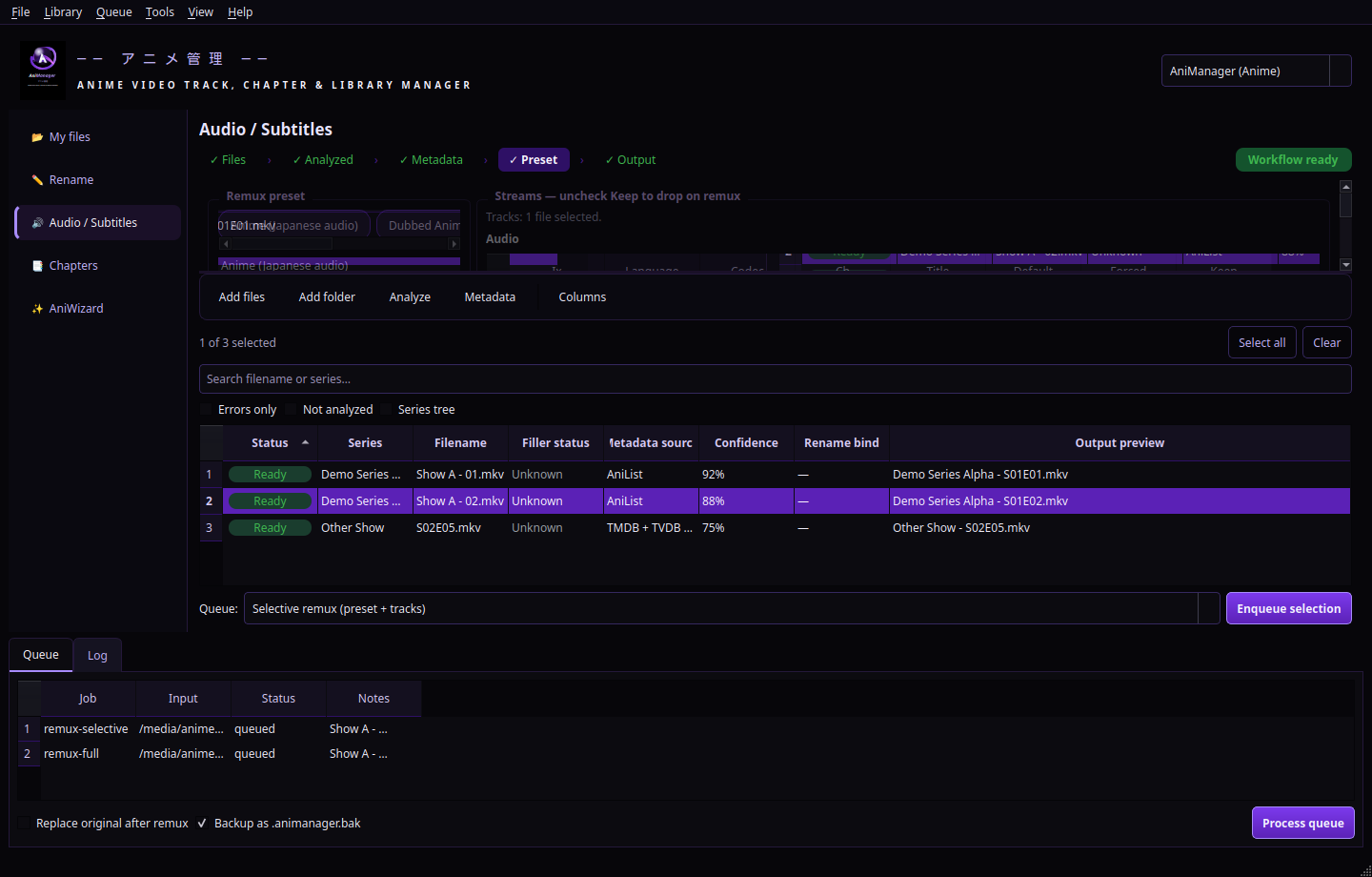
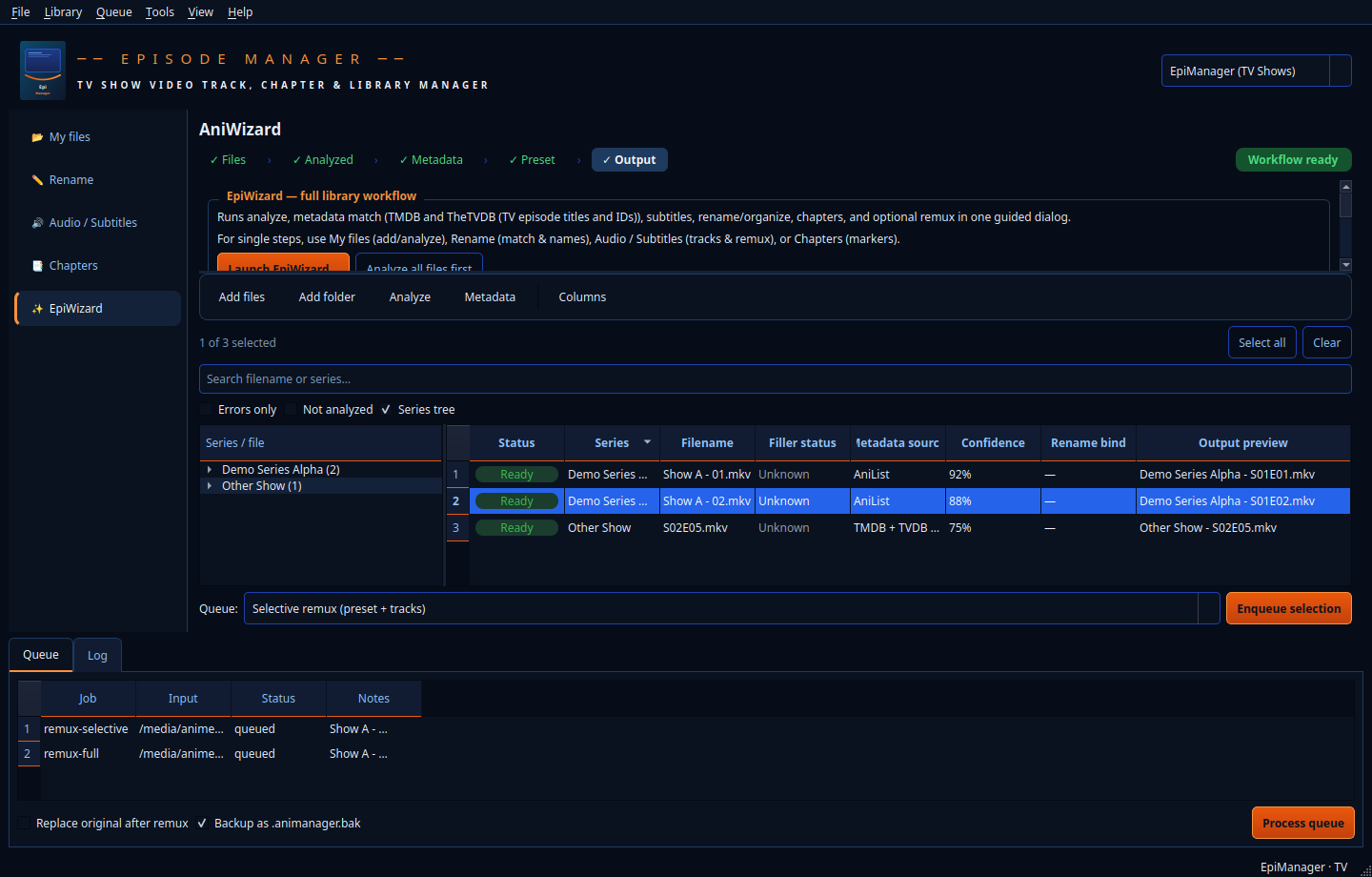
Real captures from the AniManager desktop app (PySide6, dark theme). Your layout may vary slightly with OS scaling, but the panels and actions reflect the current product UI.
AniManager is built for people who want their files to tell the truth about streams, story relevance, and where each episode beat begins — without forcing a re-encode.
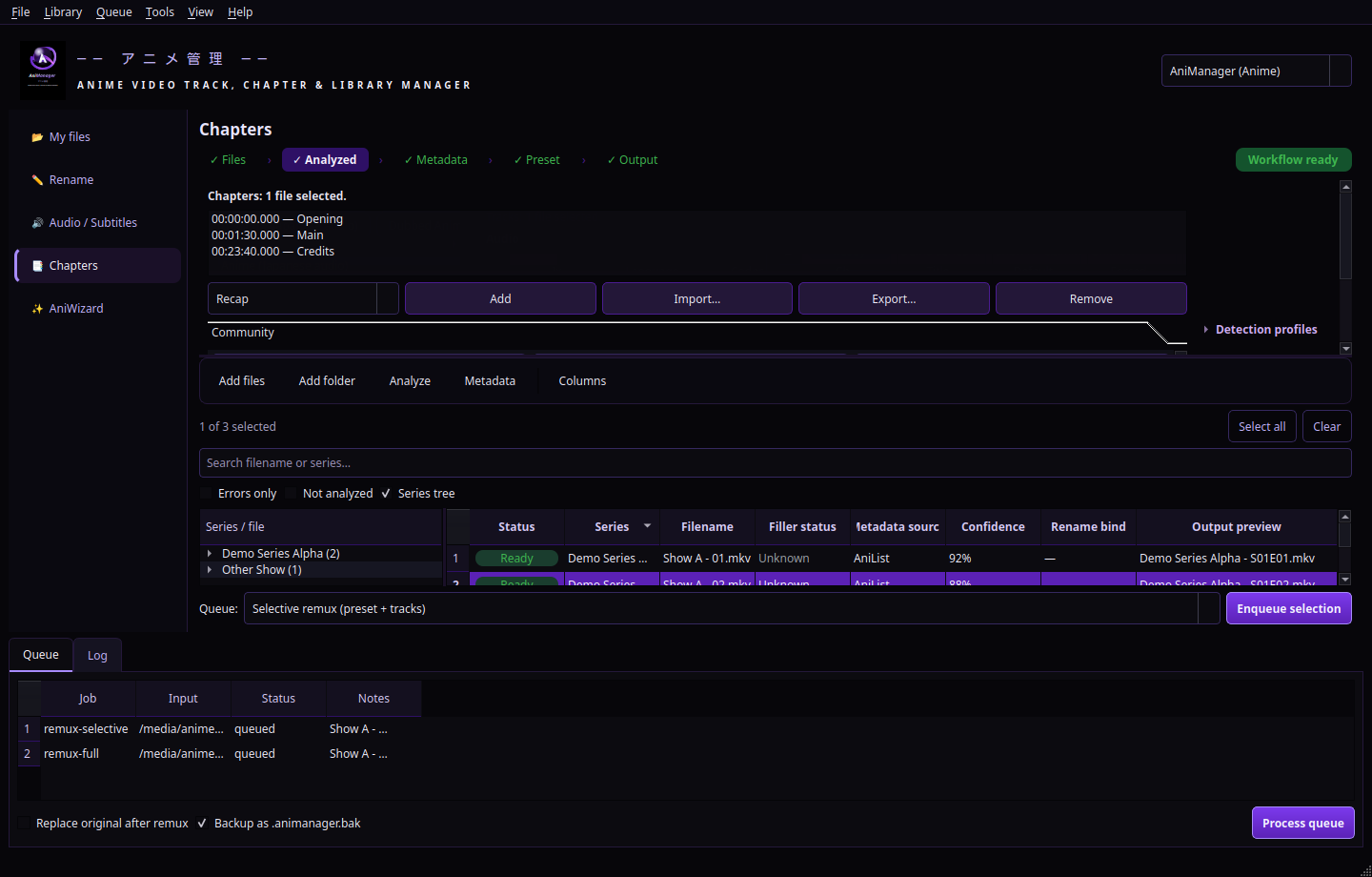
The Chapters tab is designed around the segments fans actually skip or revisit: preset marker titles include Recap, Opening, Title Card, Eyecatch, Part A / Part B, Ending, Preview, and Post-Credits. Add a marker at the current playhead, import hand-tuned lists, or stack automated hints from FFmpeg (silence, black frames, scene cuts) and optional Tesseract OCR title-card sampling.
Optional community sources (AniSkip, Anime Skip, Open Anime Timestamps) and JSON detection profiles can seed intervals; everything stays editable before you mux chapters into FFmpeg or mkvmerge jobs.
Per-file status can be Canon, Filler, Mixed, Recap, Special, or Unknown. Pull AnimeFillerList tables when you enable the provider, import JSON slug maps for tricky titles, prefetch caches from the Library menu, and stamp MKV segment descriptions so Plex or your own scripts can read consistent labels.
Rename templates expose {filler_status} and bracket-style
{filler_tag} tokens (for example [FILLER] or
[RECAP]) when you want Kodi-style filenames — or hide them entirely when spoilers must stay off disk.
Toggle Spoiler-safe titles / labels on the Rename tab to strip remote episode titles, raw filler status text, and filler bracket tags from the live output preview (and from downstream rename, organize, and worker jobs once you save settings). Filenames stay predictable — season, episode, resolution, series — while you finish the show.
Pair that with chapter names that describe structure (“Opening”, “Title Card”) instead of plot beats, and your media server still gains precise skip points without shouting future twists in either path strings or chapter lists.
*.aligned.* sidecars.AniManager is opinionated where it matters (safety, predictability, reversible renames) and flexible everywhere else (presets, per-file overrides, plugins). If you care about what actually lives inside your containers, this is your workbench.
Build FFmpeg -map plans from language presets and per-file keep
toggles — no re-encode, just the tracks you want, written cleanly to a new file.
AniList discovery with cached SQLite storage, Jikan enrichment, optional TMDB/TVDB paths, AnimeFillerList tables, and AniDB identifiers when you bring your own registered client — all rate-respectful.
Template-driven renames with dry runs, undo stacks, organize patterns, rename bindings for ambiguous episode numbers, and a spoiler-safe switch that removes titles and filler tags from previews until you are caught up.
Preset labels for recap, opening, title card, eyecatch, parts A/B, ending, preview, and post-credits. Import JSON, OGM text, or Matroska XML; export polished lists; append FFmpeg silence, black-frame, or scene-cut hints; normalize before muxing into FFmpeg or mkvmerge outputs.
Blend AnimeFillerList tables with manual Canon / Filler / Mixed / Recap / Special overrides, import JSON maps, and write MKV segment tags or filename tokens — then hide all of it instantly with spoiler-safe rename mode.
Optional “replace original after successful remux” keeps library paths stable for Kodi/Jellyfin, with an
optional .animanager.bak safety net before the old file disappears.
JSON rules fire after scans to analyze, fetch metadata, or warm caches — ideal when you drop a new season folder into your inbox path every week.
Drop Python plugins into the app config folder to register custom menu actions with access to the live window, logger, and settings — without forking the core.
Emit minimal episode NFOs, manage MKV tags, and keep naming schemes consistent so your front-end always sees the story you intended.
Short stories for how collectors mix AniManager into real habits — every path stays lossless unless you explicitly choose otherwise.
You are hosting friends who have not caught up. Turn on Spoiler-safe titles / labels, save the rename template, and regenerate previews so filenames lose remote episode titles and filler callouts. Add chapter markers named “Opening”, “Title Card”, and “Episode start” so Plex or Jellyfin can skip structure without printing future plot words on disk.
Add the season folder, run Analyze, then enable AnimeFillerList enrichment in Dependencies and re-run metadata.
Bulk-select arcs you trust, apply Filler or Mixed where the site disagrees with your fansub order, and let
{filler_tag} drop [FILLER] into Kodi-style names. Optional MKV segment tags keep the same signal inside the file for scripts that read Matroska metadata.
After FFprobe completes, open the Chapters tab, choose Recap or Opening from the preset combo, and tap Add marker at each jump point in the Preview player. Need a head start? Append FFmpeg silence or black hints, import community AniSkip intervals when a MAL id is known, then normalize the list and enqueue a remux with chapter muxing enabled so players expose one-click skips.
You want Japanese broadcast audio with sign/song subs only. Apply a language preset on the Tracks tab, enable
“replace original after successful remux” with an .animanager.bak backup, and queue selective remux jobs. When the queue finishes, the same library path still satisfies Jellyfin while the streams inside match your new baseline — no database rescan dance.
AniManager is not “another player.” It is the disciplined pass you run before your files ever hit the sofa. Follow the trail once, then let automation repeat it forever.
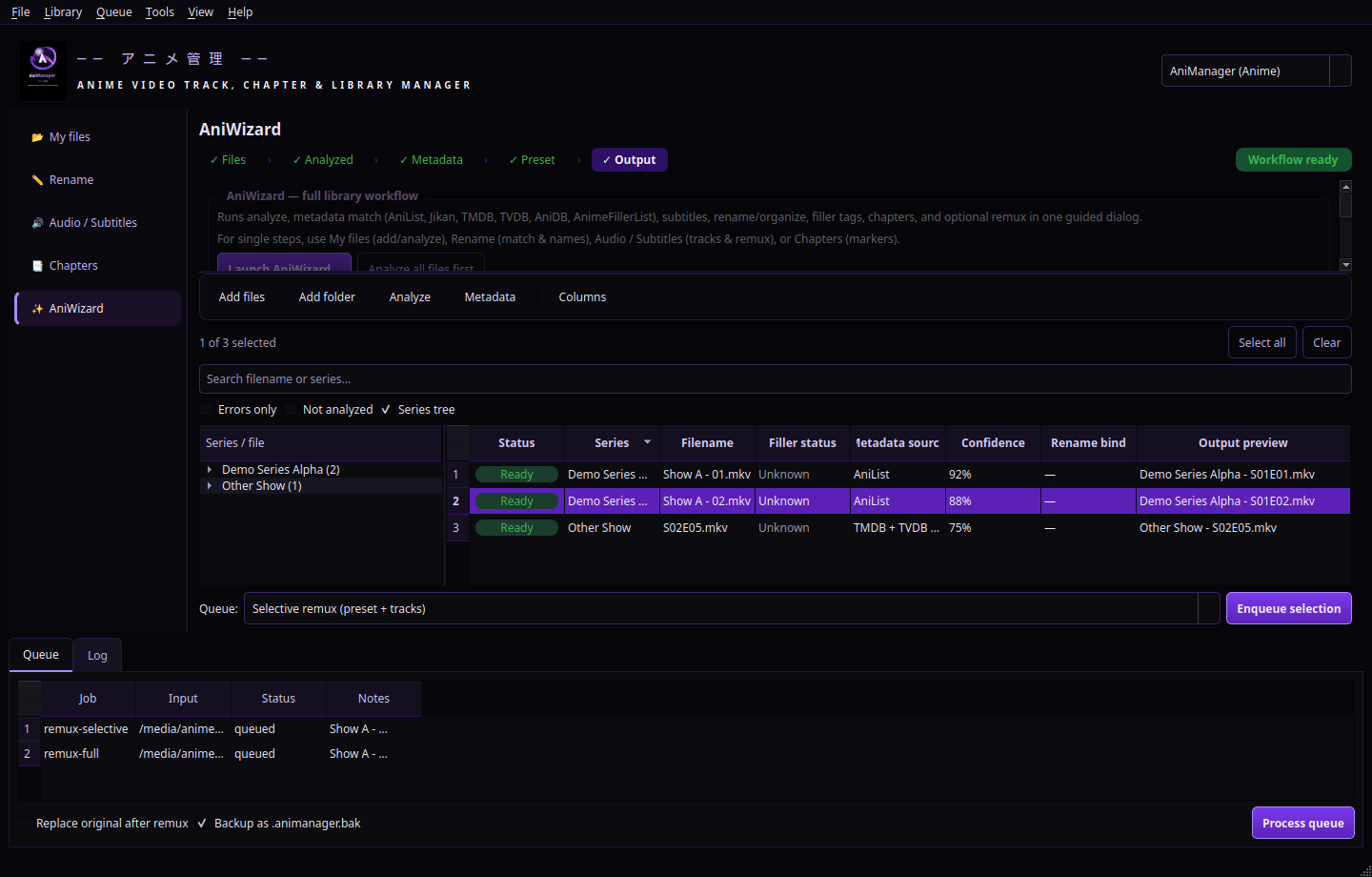
Drop files or folders recursively. The grid lights up with streams, attachments, and chapter hints.
FFprobe-backed inspection fills durations, codecs, languages, and confidence scores you can trust.
Match series, episodes, and arcs with the metadata providers you enable — cached offline afterward.
Enqueue remuxes, renames, and moves; review logs; undo renames if something looked off.
Download AniManager free and use every feature for 24 hours from first launch. When the timer expires, paste a license key to unlock the app. Keys are generated at purchase time and activate instantly — no accounts, no drama.
Recurring subscription · fresh updates all year
Pay once, keep the keys forever
Grab the latest bundle for Windows. Power users can run from Python immediately; everyone else can follow the included guide while a signed installer ships.
Includes the application source, examples, and trial/licensing notes. Extract anywhere sensible — not inside synced cloud folders while remuxing, unless you enjoy suspense.
Download AniManager-Bundle.zip
After download: read TRIAL_AND_LICENSE.txt inside the archive, install dependencies, then
launch with python -m animanager or build AniManager.exe via the bundled
Windows script when you are on a Windows box.
FFmpeg, FFprobe, and optionally MKVToolNix should be on your PATH. Configure API keys from
Tools → Dependencies inside the app when you are ready to light up TMDB, TVDB, AniDB, or
AnimeFillerList integrations.
Straight answers so you can get back to your backlog.
Install from the free download. AniManager runs fully unlocked from first launch on that machine until the 24-hour window ends. After that, features that touch the queue and library tools require a valid license key generated at purchase.
Inside the desktop app: open the license dialog from the welcome gate, paste the key we email you, and confirm. The app verifies the key and unlocks instantly — no separate account system required.
Yes — it is billed as an annual subscription so we can keep shipping compatibility fixes as OSes, codecs, and metadata APIs evolve. You can cancel renewal any time; the app simply returns to licensed mode until the paid year concludes.
If AniManager becomes part of your weekly hygiene, lifetime is the better long-term deal. If you only binge-clean twice a year, start yearly and upgrade whenever you realize you cannot live without it.
No cloud transcoding, no mystery servers. Optional metadata providers talk to their public APIs using the titles and IDs you already have locally; everything else stays on disk you control.